



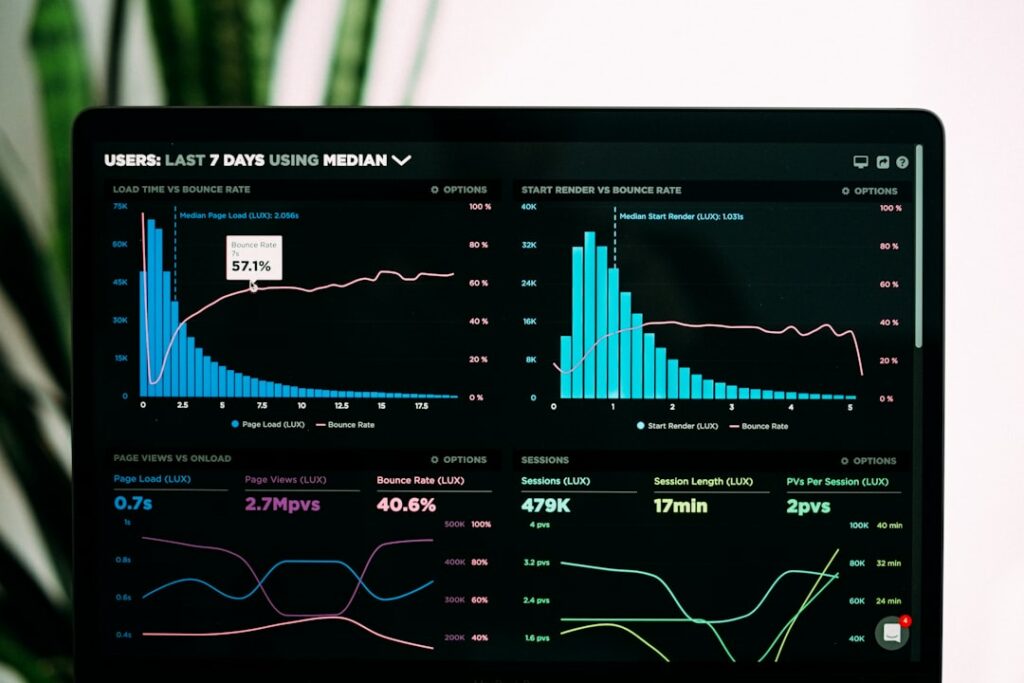
Speed is invisible until it’s costing you
A slow site doesn’t announce itself. Visitors just quietly leave, and you never see the ones who bounced off before the page even finished loading.
The usual culprits
Oversized, uncompressed images. Too many plugins running things you don’t actually need. No caching set up. A hosting plan that was fine for a small site and hasn’t scaled with your traffic.
The quick checklist
Run your site through a free speed test and see what it flags. Compress your images before uploading, not after. Turn off or delete plugins you’re not actually using. Check your caching is actually active, not just installed.
Why it matters more than it seems
Speed affects both how many visitors stick around and how Google ranks you. Fixing it once, properly, pays off in both directions at the same time.
Want your site actually fast, not just launched? That’s part of our website care plans.
