



By Anthony Cicirello
The free tool nobody opens after setup
Let me pop the hood on the most underused free tool Google gives you. Search Console tells you exactly which searches your site appears for, how often people click through, which pages perform best, and what technical issues are holding you back. All free, all real data, and most owners look at it once during setup and never again.
The three reports worth checking monthly
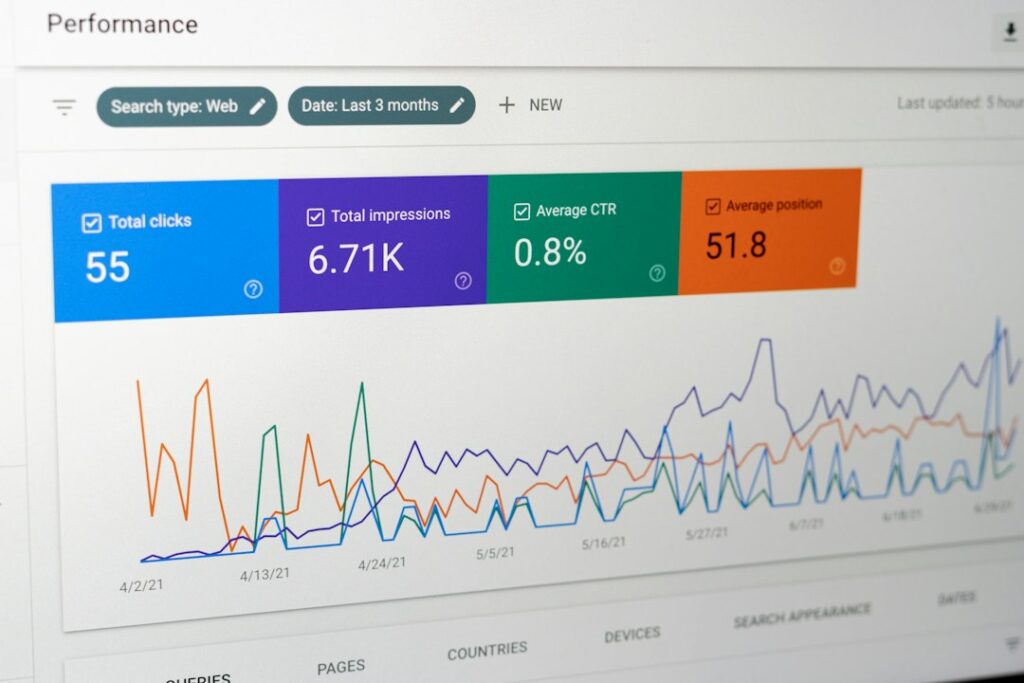
Performance report: which queries bring people to your site, impressions vs clicks, average position. This is the real picture of what’s working.
Coverage/indexing report: which pages Google has indexed and which ones it’s ignoring or having trouble with. If a key service page isn’t indexed, it’s invisible.
Manual Actions: this one’s pass/fail. If anything shows here, you have a real problem that needs fixing immediately. If it’s clean, move on.
What to actually do with it
Find the queries where you rank on page two (positions 11-20). Those are the low-hanging fruit, pages that are close to visibility and might just need better content, more internal links, or a title refresh to break onto page one.
The move:
Open Search Console right now and look at your Performance report for the last 28 days. Sort by impressions. Those are the searches Google already associates with your business. That’s it.
Want your Search Console data actually reviewed and acted on? That’s part of our SEO service.
